Expose your application to any LLM
Add a Model Context Protocol (MCP) server to your Nuxt application. Connect your features to AI clients with a Nitro-like Developer Experience.
Make your App accessible to AI
Use the Model Context Protocol to standardize how LLMs interact with your Nuxt application.
- Nitro-like APIUse familiar patterns like defineMcpTool and defineMcpResource. It feels just like writing API routes.
- Zero ConfigurationAutomatic discovery of tools, resources and prompts. Just create files in the server/mcp directory.
- Built-in CacheCache tool and resource responses with Nitro. Just add cache: "1h" to your definition.
- 1-Click InstallInstallButton component and SVG badges to let users add your MCP server to their IDE instantly.
- Standard CompatibleBuilt on the official MCP SDK, ensuring compatibility with all MCP clients like Claude, ChatGPT and more.
- Type-Safe ToolsDefine your tools with Zod schemas and full TypeScript inference. No more guessing arguments types.
- DevTools IntegratedDebug your MCP server in real-time with the built-in inspector. View requests, responses and errors.
- Start building now
Just Write Code
Define tools, resources and prompts using standard TypeScript files. No complex configuration or boilerplate required.
- ToolsCreate executable functions that allow AI models to perform actions and retrieve information.
- ResourcesShare data like files, database records or API responses as context for AI models.
- PromptsBuild reusable templates and workflows to guide AI interactions and standardize usage.
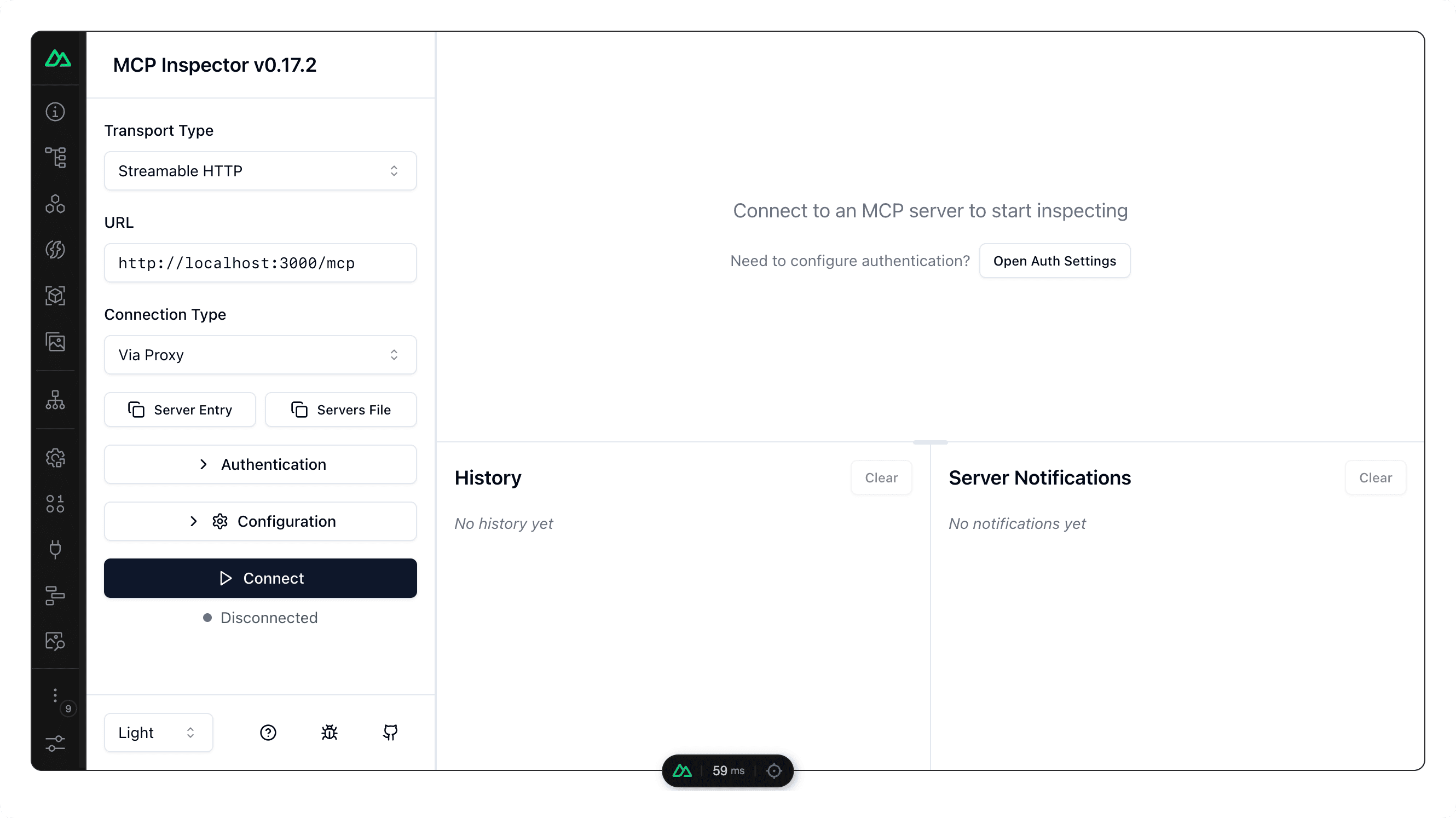
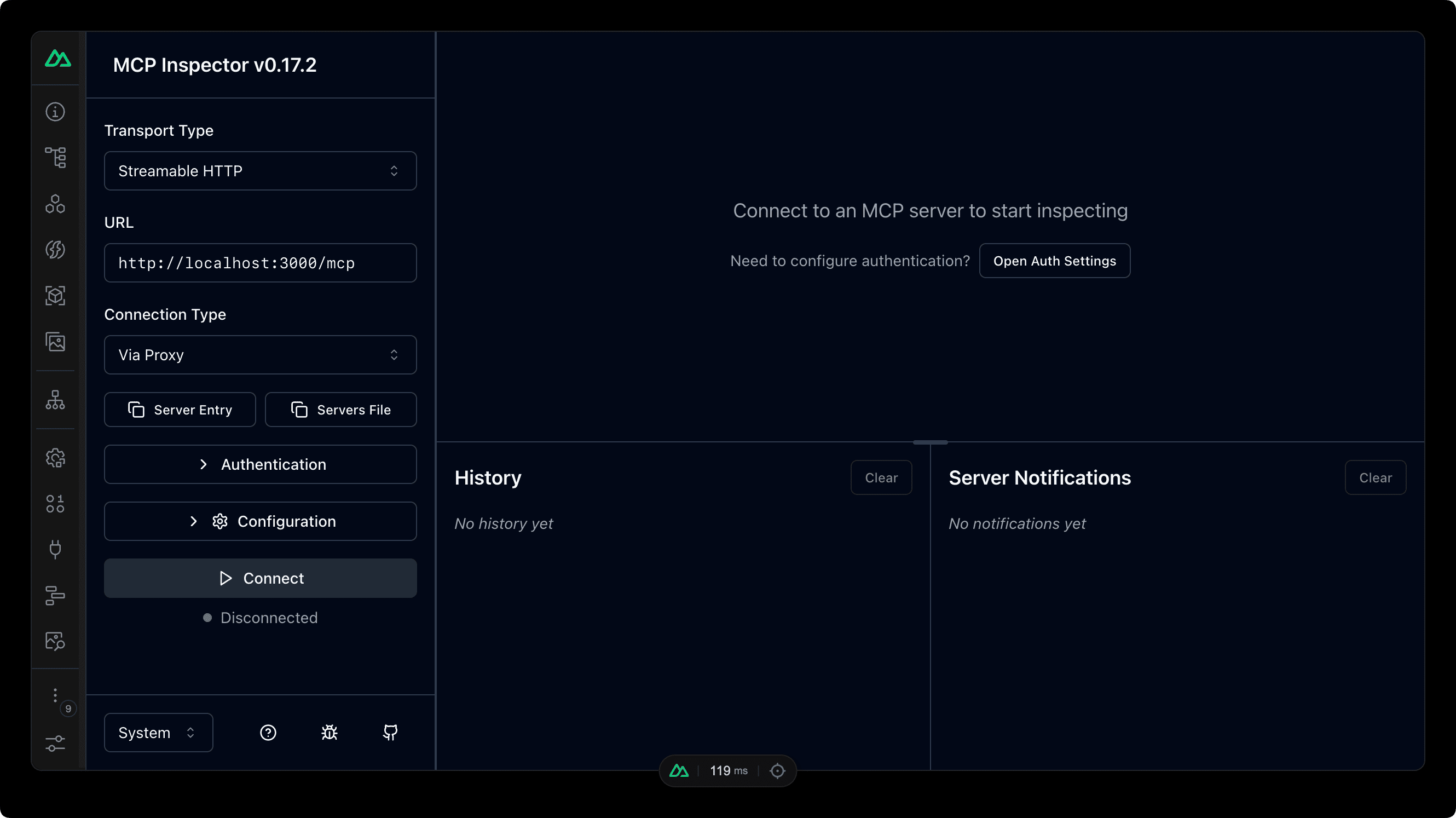
Built-in Inspector
Debug your MCP server in real-time. View registered tools, resources, and prompts, and monitor client connections and request logs.
Ready to build your first MCP Server?
Get started in minutes with our comprehensive guide and examples.